Office worker · 29
Not a morning person
I turn off alarms and go back to sleep. But I always pick up a call. Once I said “I’m getting up,” I actually did.
Just pick up and talk — and your day actually moves forward.
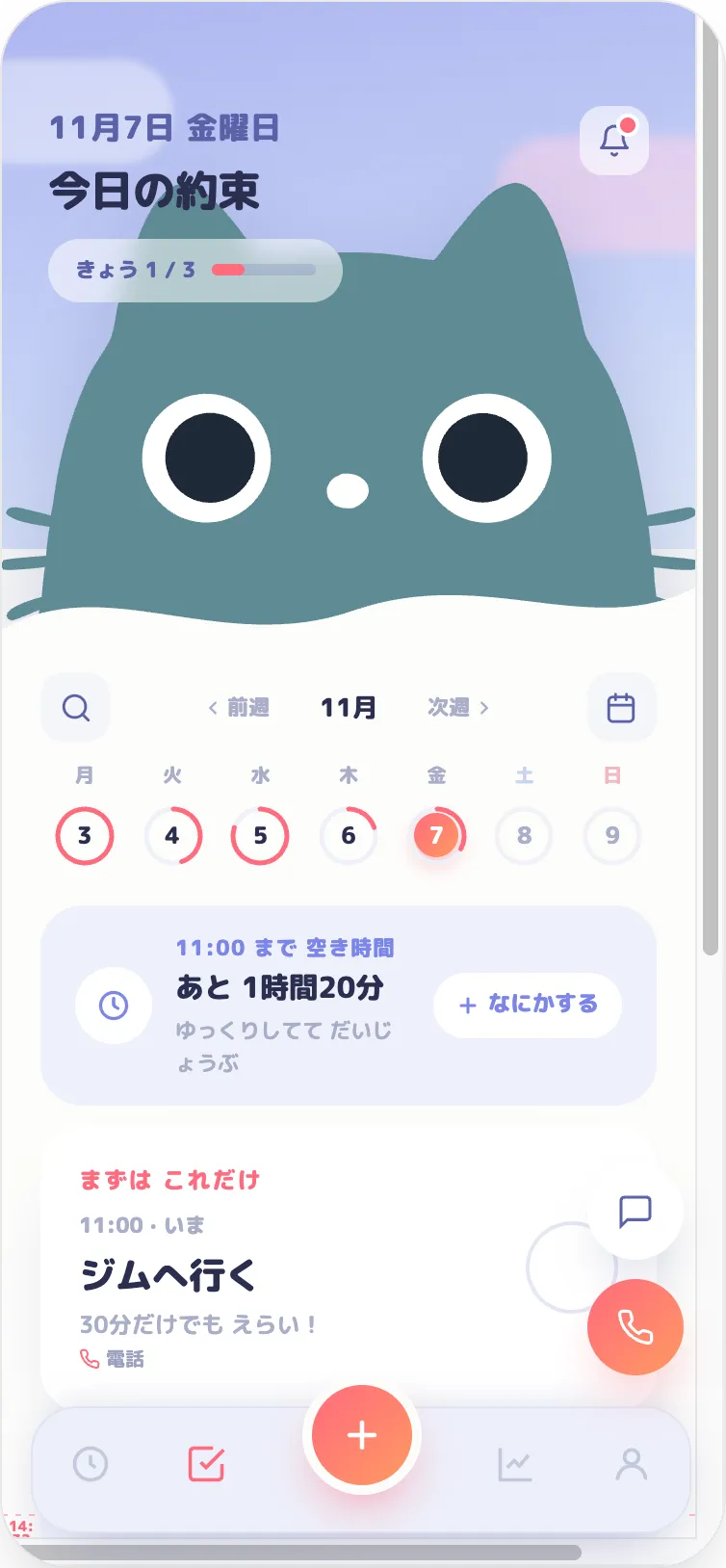
Notifications are easy to ignore. Calls are not.
Pick up and say one thing. The moment you answer, you’ve committed.
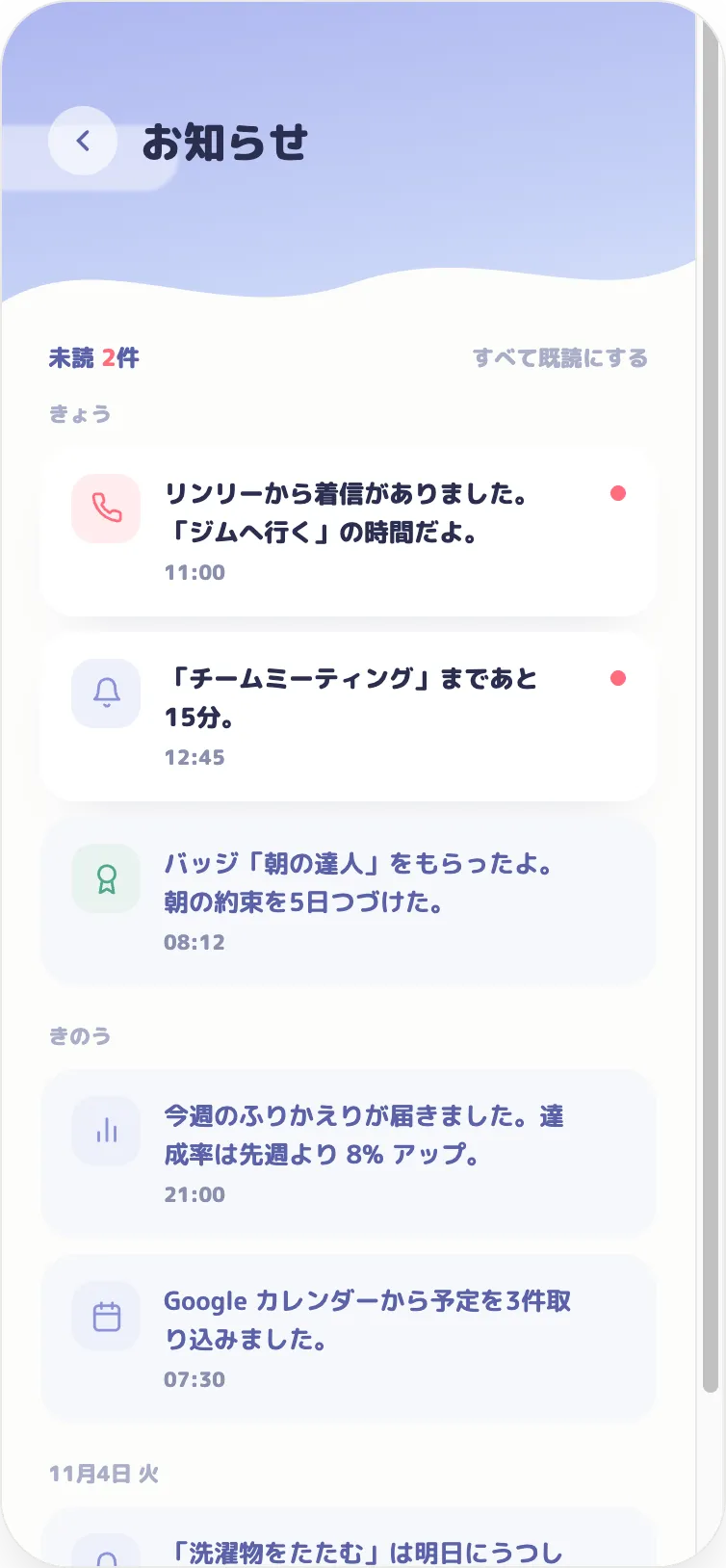
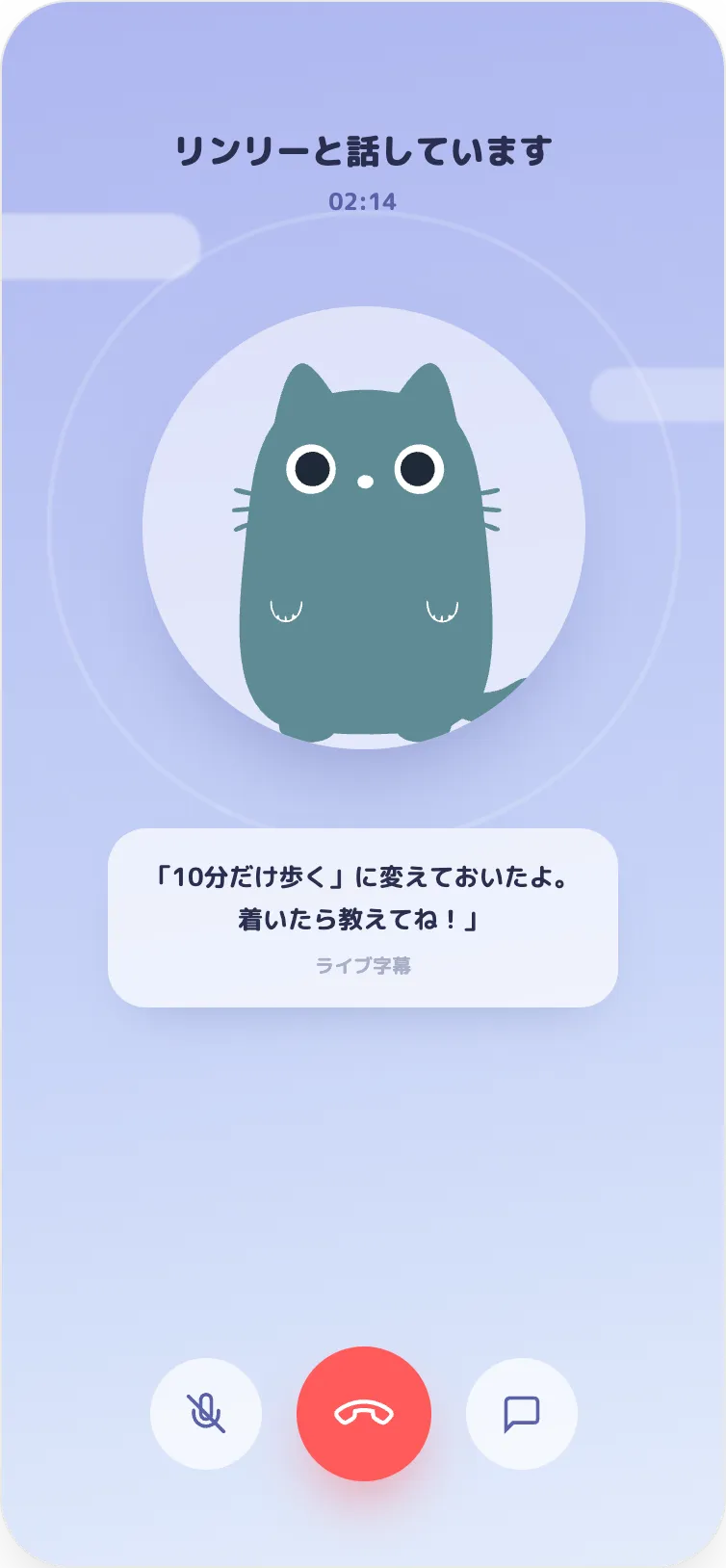
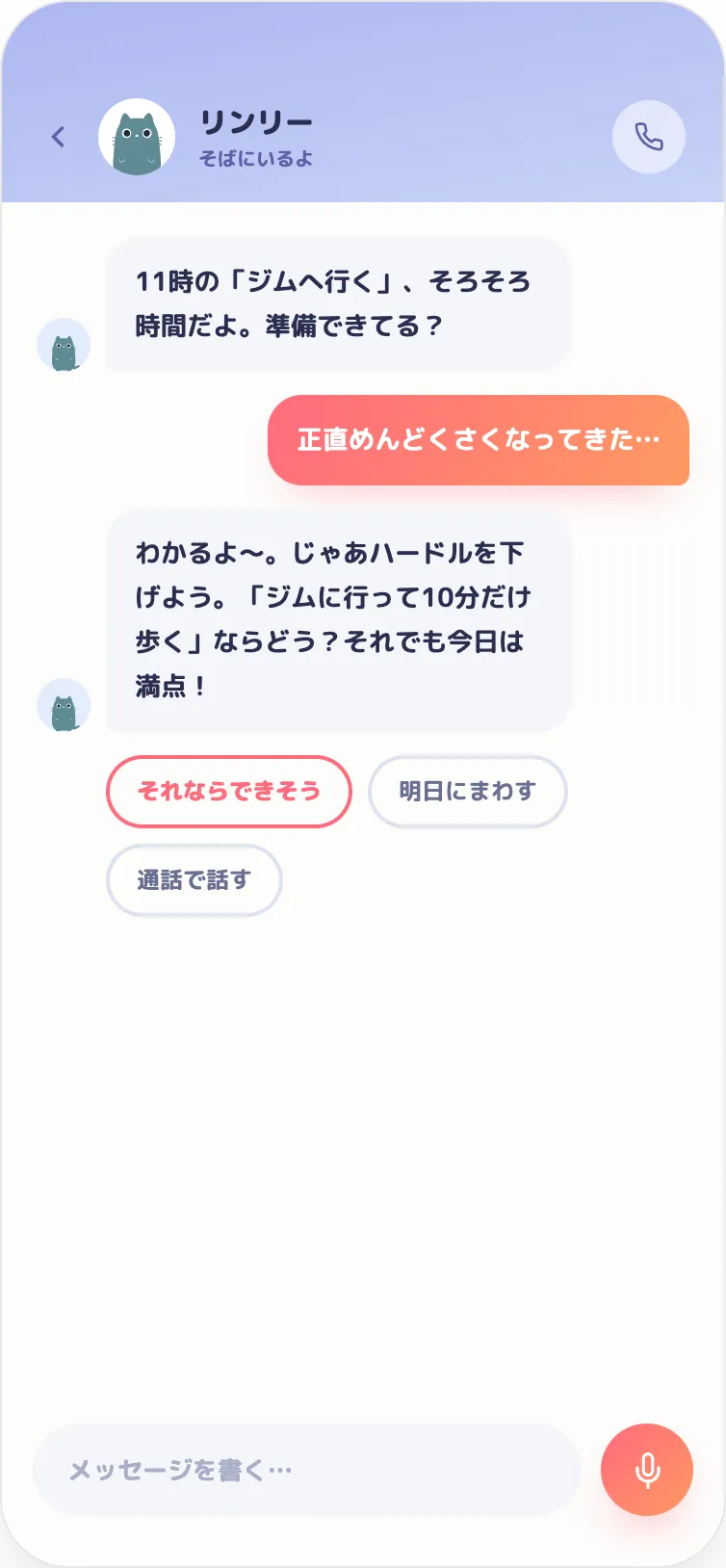
Just say “Wake me at 7 tomorrow for a run” in chat or on a call.
Rinly calls: “It’s about time.”
Say “I’m on it” or “Give me 10 minutes.” The AI replies.
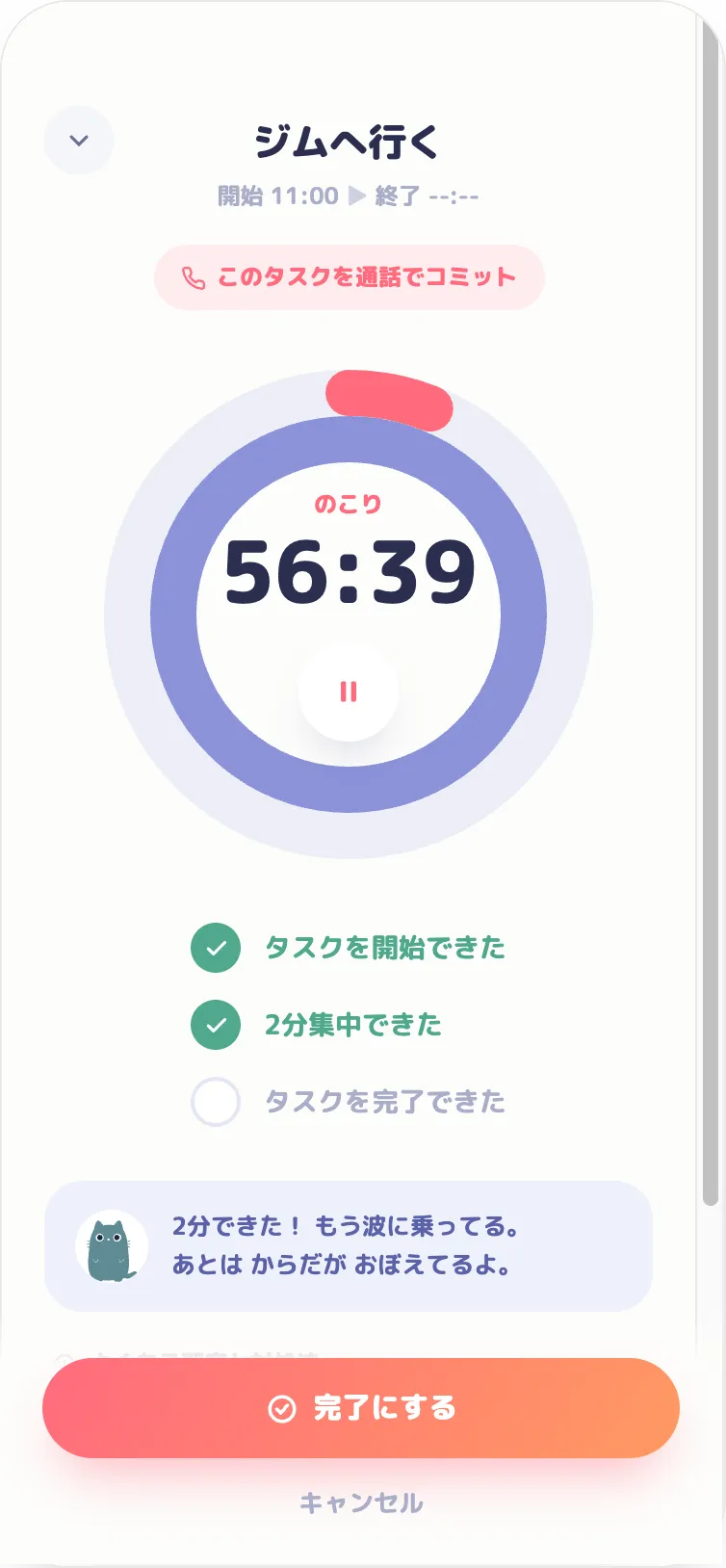
A morning call that walks you through today’s plans.
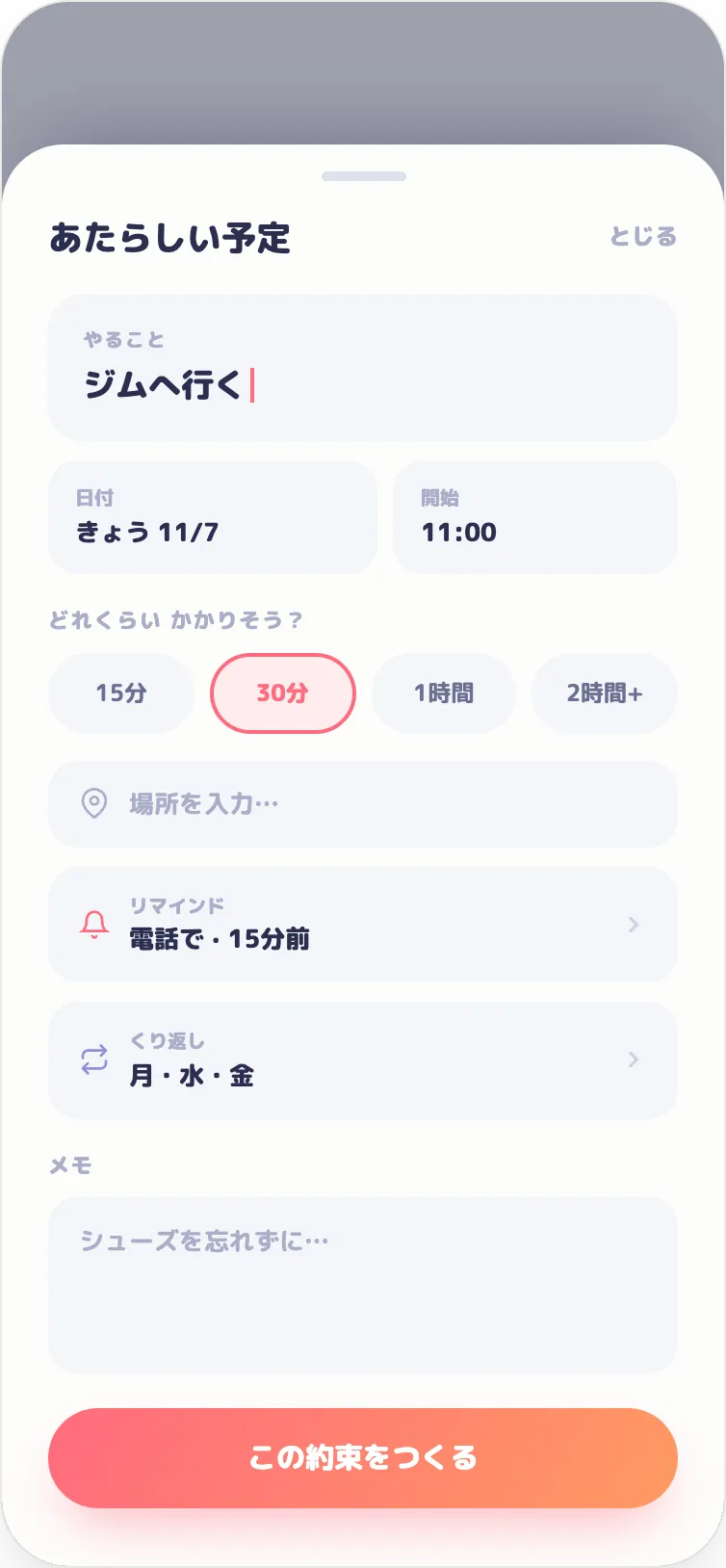
“Is your deck ready for tomorrow’s meeting?” — asked ahead of time.
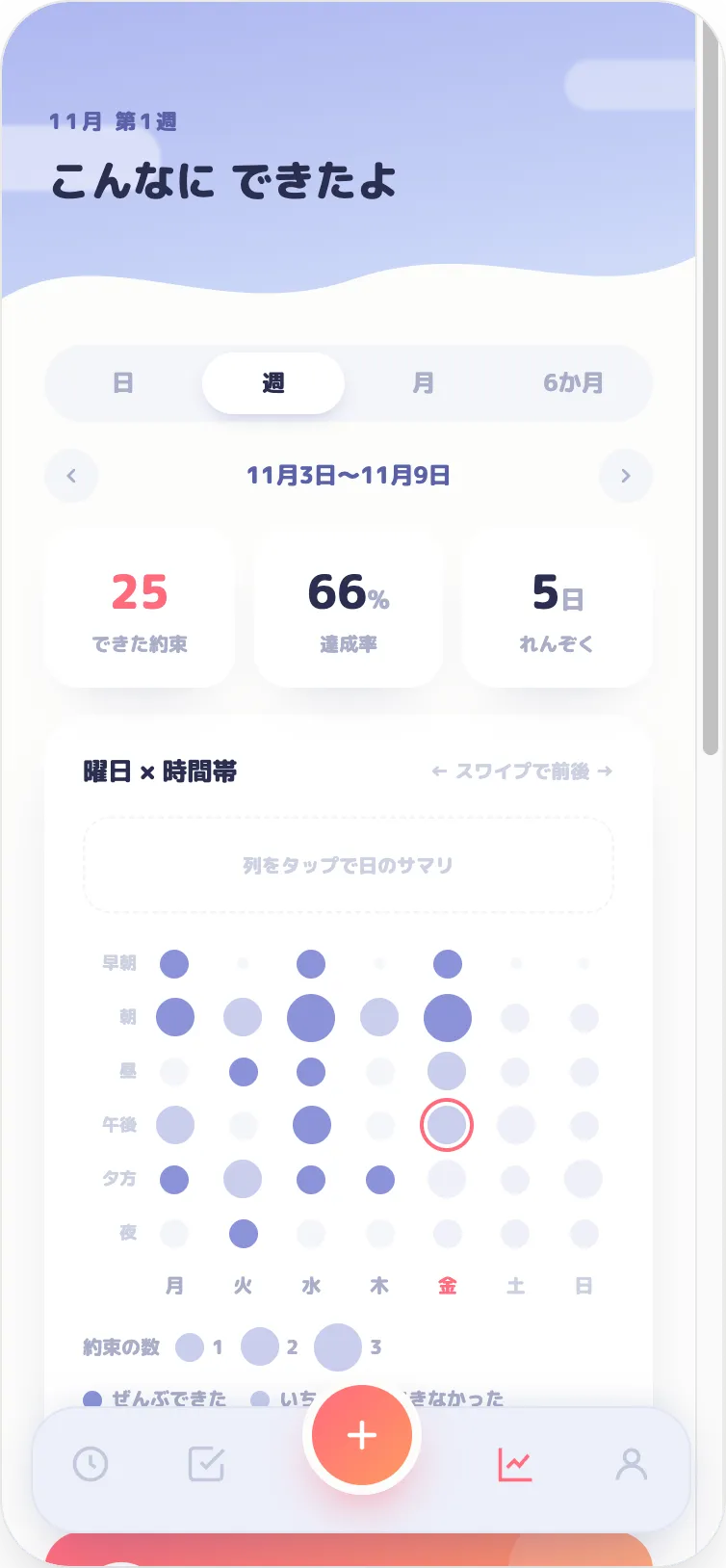
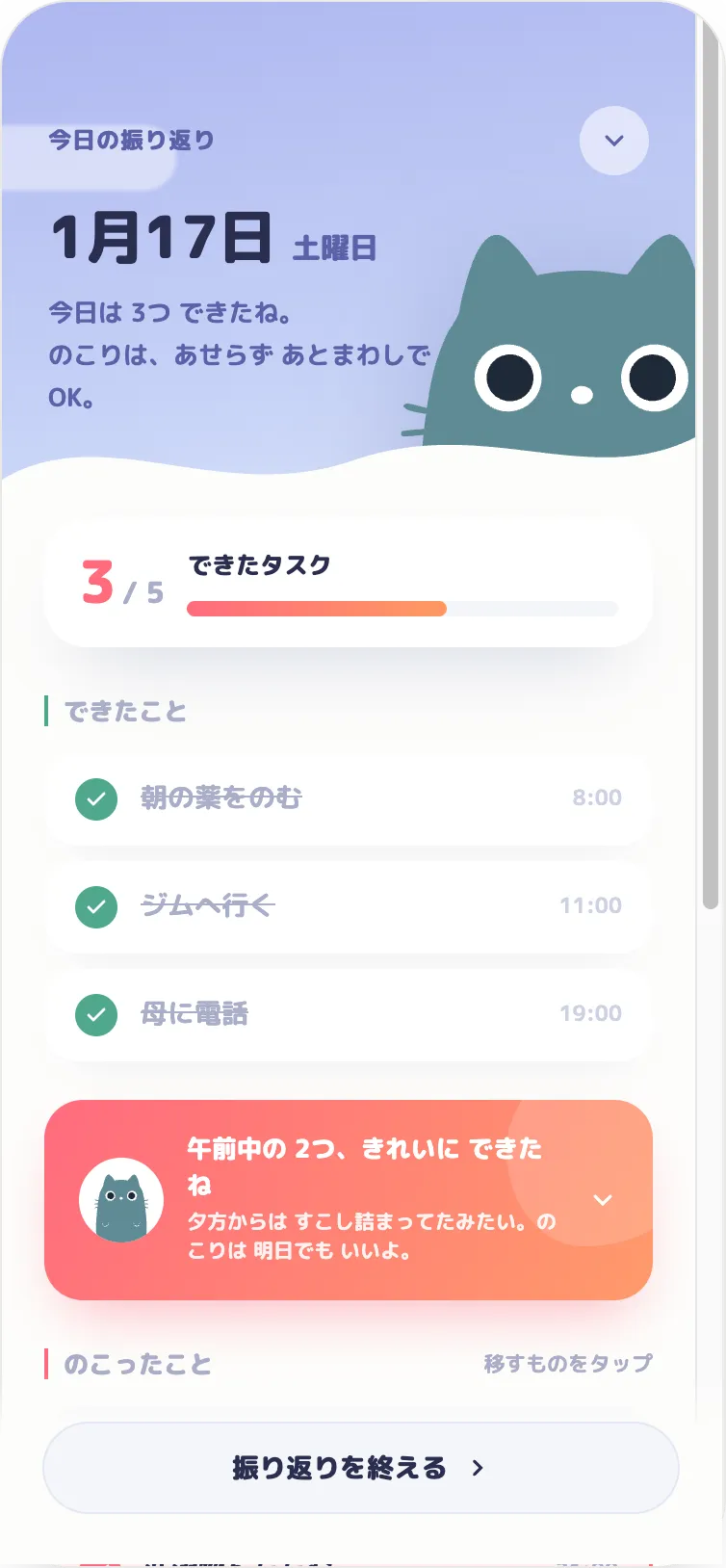
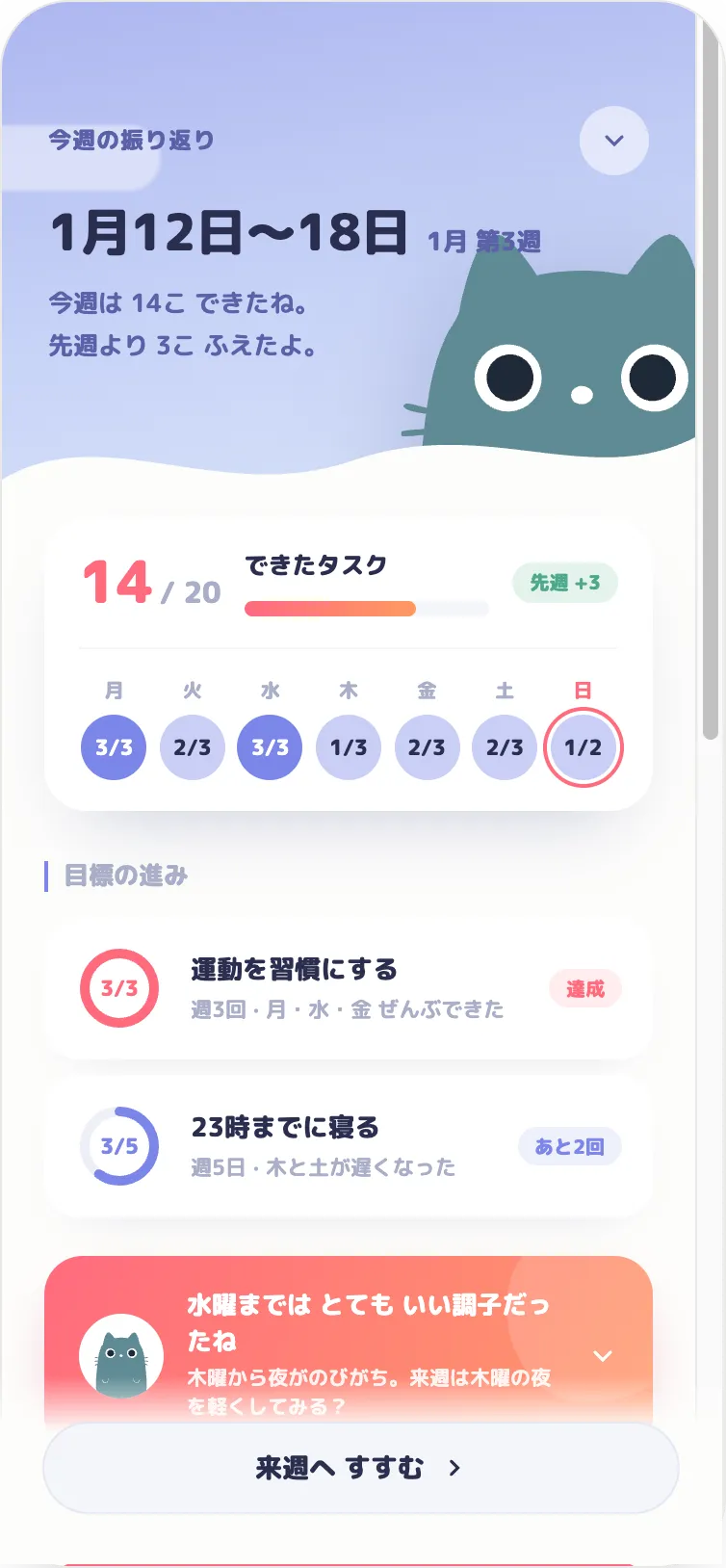
Daily and weekly reflections, with charts of your goal progress.

Every call you pick up is experience for Rinly. The more you get done, the closer Rinly gets to becoming a pro. Not a nag — a partner who’s in it with you.
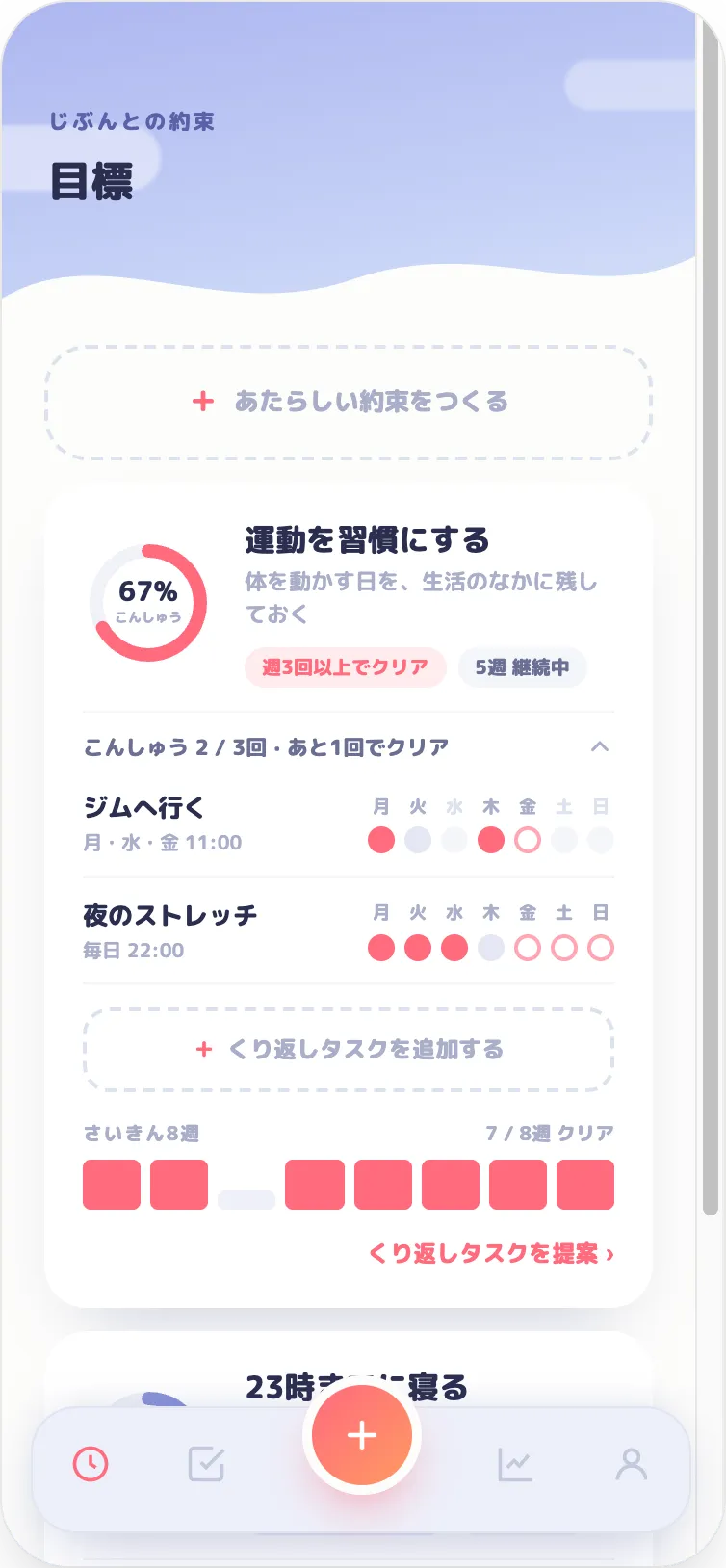
I turn off alarms and go back to sleep. But I always pick up a call. Once I said “I’m getting up,” I actually did.
I set “start at 8 p.m.” and Rinly called at 8. I said “just two minutes” — and kept going for an hour.
The evening before, a call: “Are your materials ready for tomorrow?” It syncs with my calendar, so I don’t even have to add it.
In a meeting? It switches to a notification. You can call back later.
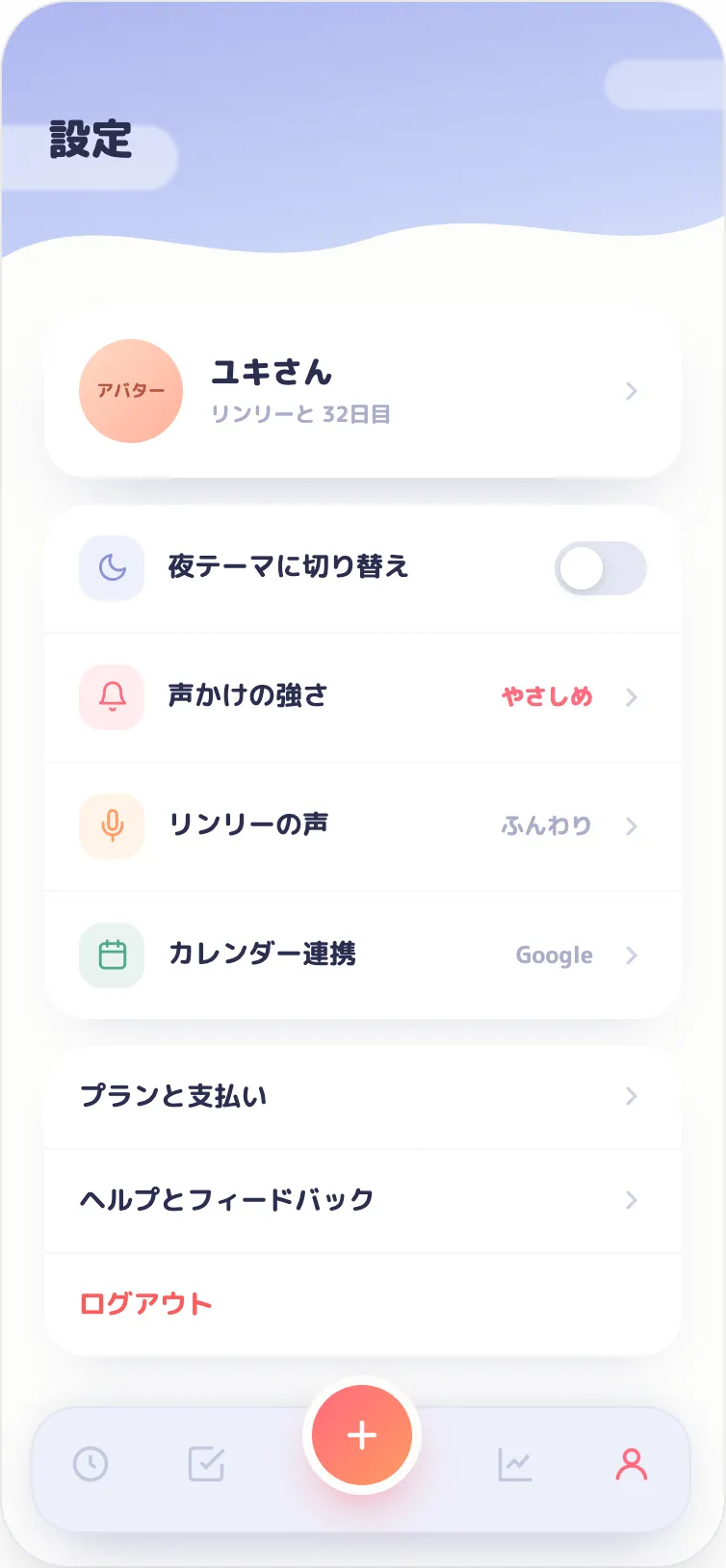
Gentle, normal, or firm. Never guilt-tripping.
What you say is handled according to our Privacy Policy.
Cancel anytime during the free trial.
Prices are shown in the App Store and Google Play in your local currency. After the trial, your plan renews automatically. Cancel anytime from your store subscription settings.
No — the call comes from the app. There are no phone charges.
It stays as a missed call, and you can call back from there.
Yes. It works on both iPhone and Android.
Availability depends on your region — check the App Store or Google Play listing.
Your voice is handled according to our Privacy Policy. See rinly.io/privacy for details.
Cancel anytime from your App Store or Google Play subscription settings. Cancel during the free trial and you won’t be charged.